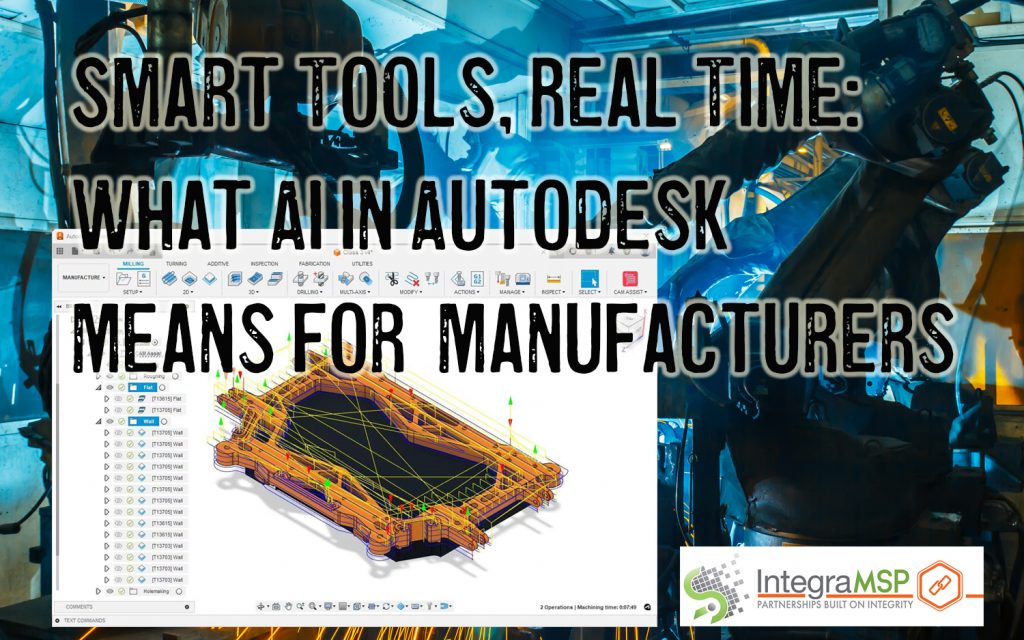
Many small manufacturers are hearing the buzz around AI but aren’t sure where to start — or whether it’s even meant for companies their size. A recent MIT Sloan report shows why: AI adoption often creates friction before it creates value. But for manufacturers already using trusted platforms like Autodesk, the opportunity isn’t in adopting “AI” — it’s in realizing that the tools they already depend on are quietly getting smarter. The real question isn’t whether you need new tech — it’s whether your systems are ready to support what’s already evolving.
By: Jennifer Gilligan, IntegraMSP President
When Productivity Dips Before It Pays Off
If you’ve ever tried to roll out a new tool on the floor and immediately regretted it, you’re not alone.
MIT Sloan’s 2025 research highlights what many manufacturers already feel: AI adoption doesn’t always lead to instant efficiency. In fact, they identified a clear “J-curve” effect — productivity often dips before it climbs, especially in companies that aren’t already set up digitally to support it.
That’s a big reason smaller manufacturers stay cautious — and rightfully so. The upfront disruption can outweigh the promised value, particularly when margins are tight and downtime costs more than most people realize.
So Where’s the Opportunity? Look at What You Already Use
Here’s where it gets interesting. You don’t necessarily need to go shopping for the next new AI tool.
Autodesk, a platform already used by many small and mid-sized manufacturers for design and production, has been quietly integrating AI into its core tools — like Fusion, Inventor, and generative design features.
And it’s not just high-level R&D stuff. Real manufacturers are using these new features to automate time-heavy tasks like:
- Automatically generating 2D drawings from 3D models
- Suggesting design alternatives based on real constraints
- Reducing manual production planning tasks with predictive recommendations
That’s not a futuristic promise — that’s happening now inside tools many manufacturers already use every day. One example: teams using Autodesk Fusion’s automated drawing generation are cutting prep and setup time drastically — sometimes turning hours of modeling work into a few minutes of review. (Source)
So What’s the Catch?
All of this works — but only if your systems can support it.
We’re not talking about a new platform or an expensive rollout. We’re talking about the fundamentals that make the difference between “this tool helped” and “this tool broke everything”:
- Stable networks that don’t drop in the middle of syncing a file
- File access and sharing that works for remote teams and shop-floor systems
- Workstations and software that are updated and compatible
- Cybersecurity strong enough to protect IP when data flows between cloud tools
The bottom line? If your environment is clean, secure, and connected — tools like Autodesk’s AI enhancements can just work. If it’s not, even the smartest software will slow you down.
Conclusion:
You don’t need to become an AI company to benefit from smarter manufacturing tools. In fact, many of the tools you already trust — like Autodesk — are evolving to support you better.
The real question isn’t “Should I adopt AI?”
It’s: “Are we ready to take advantage of the tools we already have?”
If you’re unsure whether your systems are ready, start there. We can help assess the basics — no flash, no pitch — just an honest look at whether your business is set up to work smarter.
Because the smartest move isn’t chasing what’s new. It’s getting more out of what you already use.
If you’re using Autodesk or other manufacturing platforms that are quietly getting smarter, now’s the time to ask: Are our systems ready to support the tools we already have?
AI and automation can offer huge time savings — but only if your infrastructure is stable, secure, and connected.
We offer a free assessment to help manufacturers figure out exactly where they stand — and what might be holding them back.
Take the first step: https://www.integramsp.com/call
Sources & Further Reading:
- MIT Sloan Management Review: The Productivity Paradox of AI Adoption in Manufacturing Firms
- Autodesk: AI for Manufacturing Solutions Overview
- Autodesk: Automated Drawing Generation in Fusion
- Autodesk: Generative Design for Manufacturing