
By: Jennifer Gilligan, IntegraMSP President
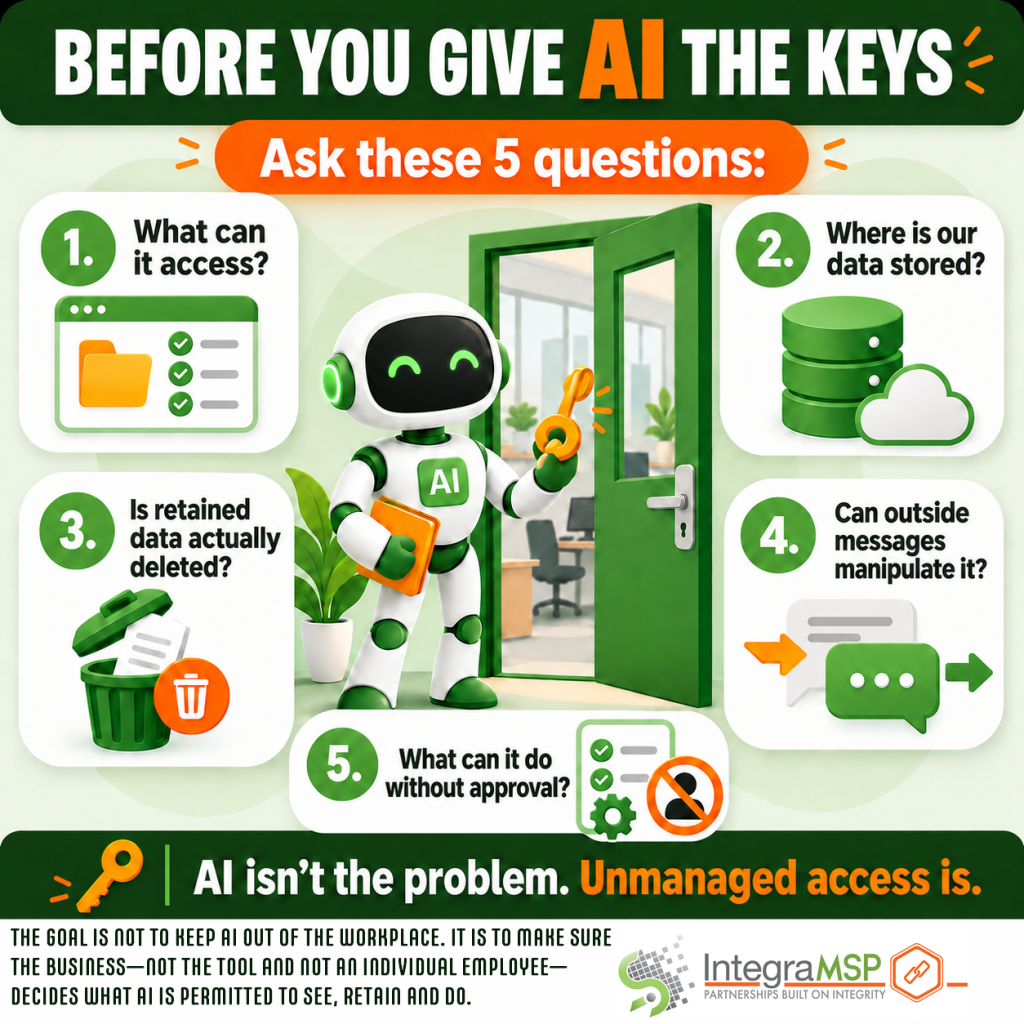
AI assistants are quickly moving beyond drafting emails and answering questions. Newer tools can connect directly to your inbox, calendar, messaging platforms, business applications—and sometimes your screen, microphone, and location. That access is what makes them useful. It is also what makes them risky. This doesn’t mean businesses should ban AI. It means we need to stop treating every AI assistant like a harmless app. Before connecting one to company systems, ask these five questions.
1. What can it access?
Start with the permissions the tool requests—not the features highlighted on its website. Can it read email? Access attachments? View calendars? Capture what appears on the screen? Monitor keyboard activity? Connect to financial, customer, or operational systems? An employee may install an assistant to help manage meetings without realizing that the tool can also reach contracts, customer information, internal conversations, or login codes. Only provide the access required for the intended task. If an assistant only needs calendar access, it probably doesn’t need the keys to the entire digital building.
2. Where is company data stored?
Once an AI assistant reads company information, that data may leave your immediate environment. Businesses should understand where the information is processed, how it is secured, whether it is shared with other providers, and whether it may be used to improve or train AI models. This matters even more when the tool may encounter regulated information, financial records, intellectual property, employee data, or confidential client communications. A privacy policy is not decorative website furniture. Someone should read it before company data begins flowing through the platform.
3. Is retained data actually deleted?
Disconnecting an application does not necessarily delete information it has already collected. Revoking access may stop an AI assistant from reading new email while leaving previously indexed messages, attachments or summaries inside the provider’s systems. Businesses should know how long information is retained, how deletion must be requested, and whether the provider also removes backups and copies held by its subcontractors. “Disconnected” and “deleted” are not interchangeable words. Confirm which one you are actually getting.
4. Can outside messages manipulate it?
An AI assistant with access to email or documents doesn’t only encounter instructions from its authorized user. It also reads content created by customers, vendors, strangers—and potentially attackers. A malicious message or document could contain hidden instructions intended to influence the assistant. This is known as prompt injection. The danger increases when the assistant can do more than summarize information. If it can retrieve codes, forward messages, open links, update records, or initiate other actions, a deceptive instruction may become a real business event. AI assistants should be included in phishing protection and security planning, particularly when they can interpret outside content and act on it.
5. What can it do without human approval?
There is a major difference between an assistant that recommends an action and an agent that performs it. Can the tool send an email, schedule a meeting, make a purchase, change an account, or accept an agreement without asking first? Businesses should establish clear approval requirements for any action with financial, legal, security, or reputational consequences. The greater the potential impact, the more important human review becomes.
Convenience is lovely. Discovering that your AI assistant committed the company to something while you were at lunch is less lovely.
The TL;DR
Before connecting an AI assistant to company systems:
- Review what it can access.
- Understand where data goes.
- Confirm how retained information is deleted.
- Account for phishing and prompt-injection risks.
- Require human approval for consequential actions.
AI isn’t the problem. Unmanaged access is. The goal is not to keep AI out of the workplace. It is to make sure the business—not the tool and not an individual employee—decides what AI is permitted to see, retain, and do.